IRS CP161 Notice: Check the Unpaid Balance
Notice Instructions: Follow the payment date on your notice. The IRS asks you to contact it within 10 days if you believe there is a mistake.
A balance deserves a careful comparison. Start with the records behind the number.
CP161 says the IRS shows an unpaid tax balance. Compare the amount and payment history with your records before deciding how to respond.
Read The IRS Guidance For CP161 · Source checked October 11, 2026.
What to Check Next
- Step 1: Match the tax period, return, credits, and payments against the notice.
- Step 2: If the balance is wrong, contact the IRS within 10 days with the relevant records.
- Step 3: If correct, pay by the notice date or discuss a payment arrangement if you cannot pay in full.
Common Questions About CP161
- Is CP161 A Notice Of Federal Tax Lien?
- CP161 is an unpaid-balance notice. It does not by itself establish that a Notice of Federal Tax Lien has been filed.
- What If I Already Paid?
- Compare the payment date, amount, and tax period with the payment list on the notice. Contact the IRS about a mismatch.
Understand the Notice.
See the Bigger Picture.
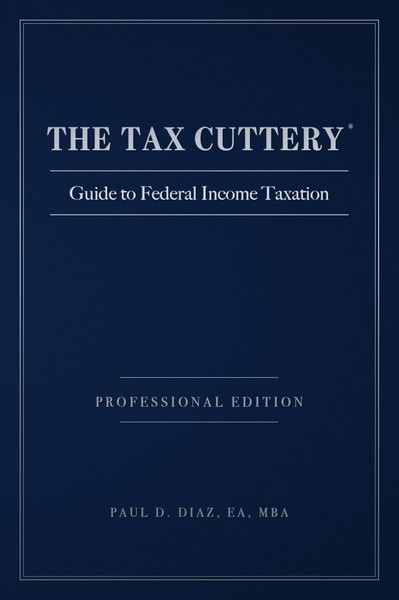
THE TAX CUTTERY® Guide to Federal Income Taxation connects compliance, planning, and resolution. Keep better records, ask better questions, and return to the foundation when your next tax decision arrives.
Registered, verified owners can submit one written tax-topic question to the firm's desk. Individual services are agreed separately.
Already Own A Copy? Register It →Professional Edition hardcover. Taxes and shipping shown at checkout. The free consultation is open without a purchase.
General education; your notice and circumstances govern. A book purchase or consultation does not submit a response to the IRS. Representation, tax preparation, research, and paid time are separately engaged.